

Meme Generator

Create custom memes in seconds. Add text, customize fonts, and download instantly.

Upload an Image

Drag and drop or click to browse

OR SELECT A TEMPLATE BELOW

Templates

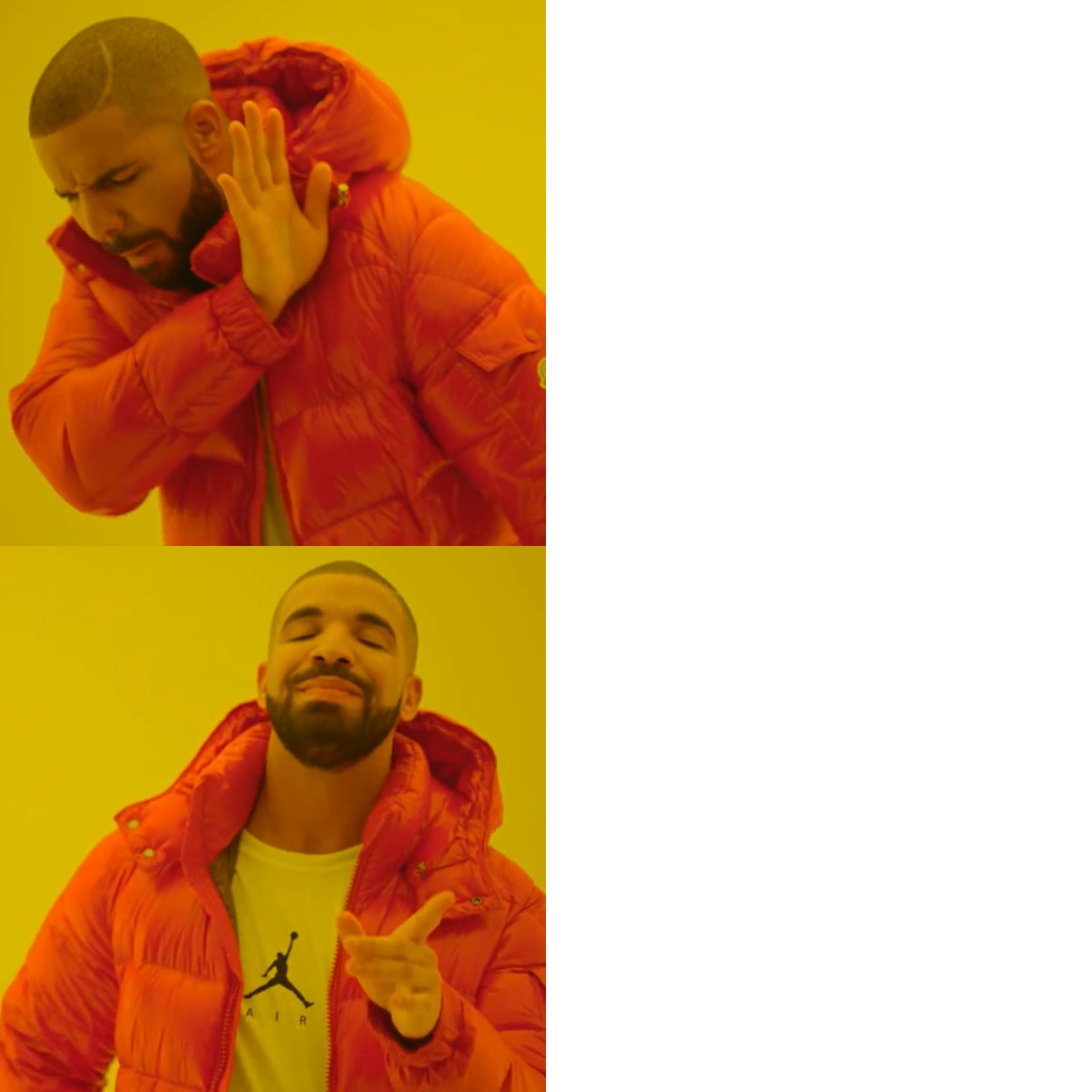
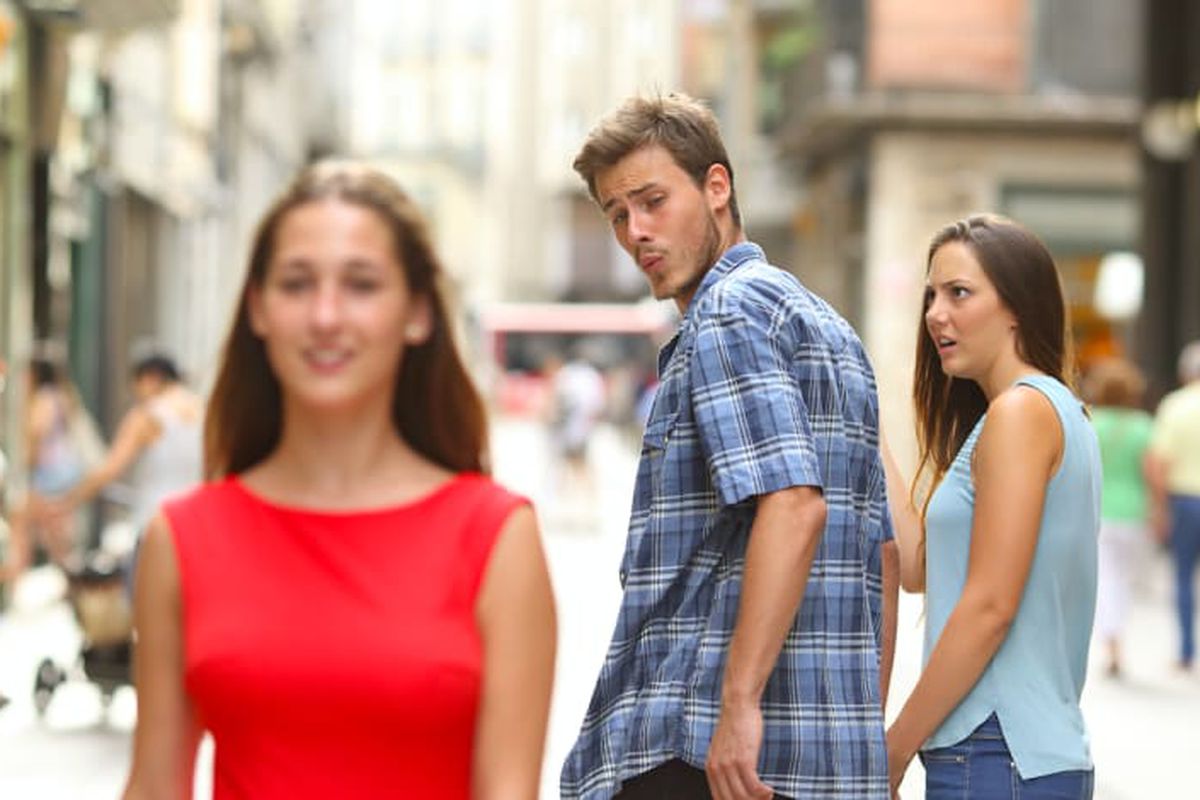
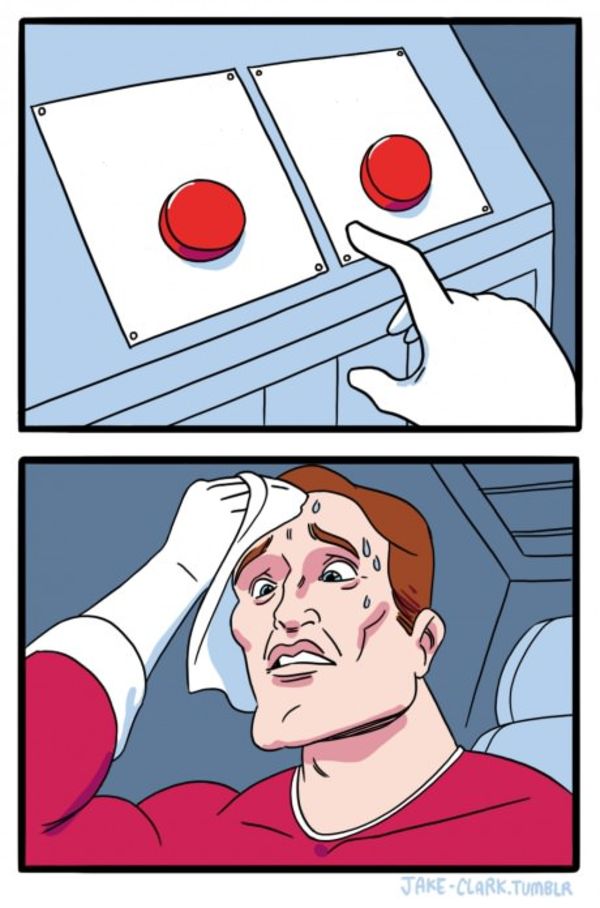
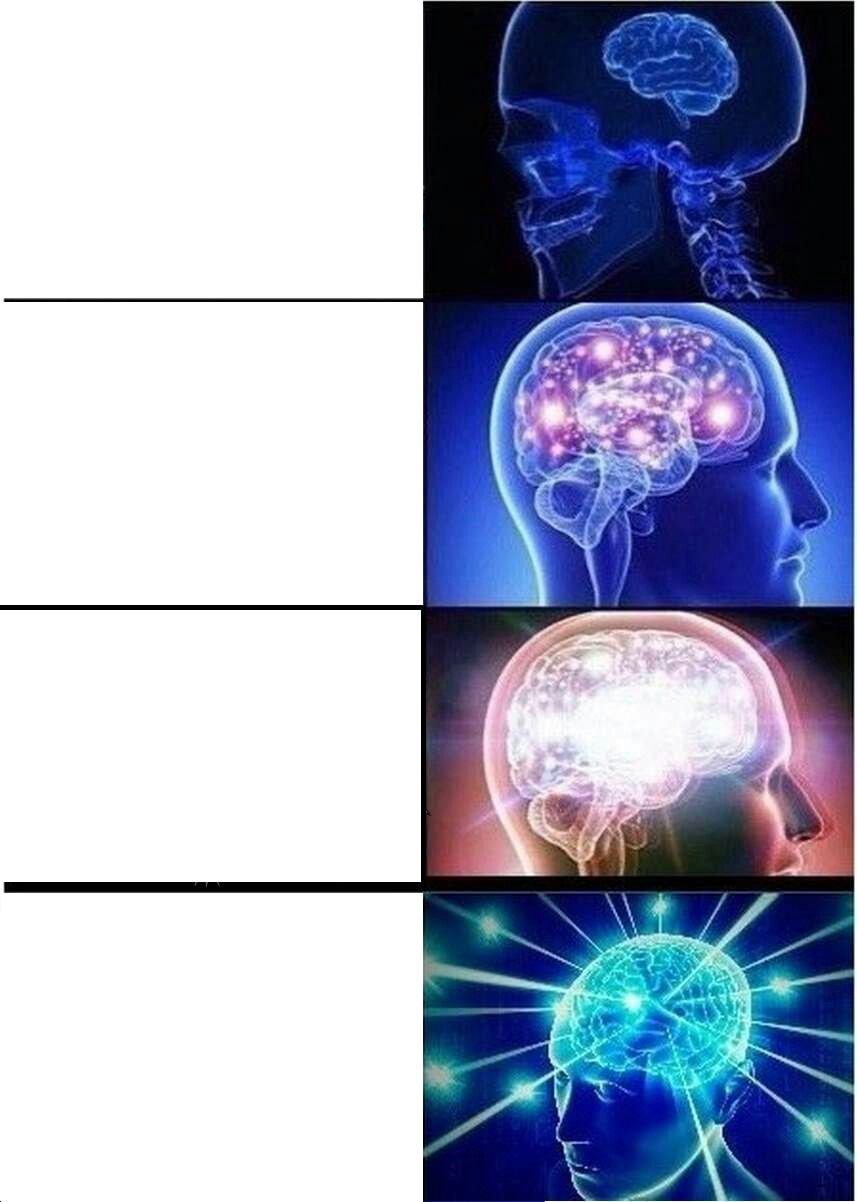
Drake Distracted Buttons Brain Aliens Change My Mind Facepalm Is This A Pigeon UNO Draw 25

Free Meme Generator Online

Our online meme generator lets you create custom memes in seconds directly in your web browser. Upload any image, add top and bottom text, and fully customize the fonts, colors, and outlines to match your creative vision. Whether you're making a joke for friends or content for social media, our tool is fast, free, and completely secure.

How to Use the Meme Generator

  1. Upload an image or choose a meme template.
  2. Click Top Text, Bottom Text, or Caption.
  3. Drag text anywhere on the image.
  4. Customize font, size, colors, and outline.
  5. Add stickers or extra images if needed.
  6. Download your meme as PNG or JPG.

Why Use Our Meme Maker?

  • No Downloads or Sign-ups: Everything runs seamlessly right in your browser.
  • Privacy First: Your images are processed locally on your device and are never uploaded to our servers.
  • Drag-and-Drop Editor: Easily drag your text boxes around the canvas to position them perfectly.
  • Classic Impact Font: By default, we use the iconic bold Impact font with a heavy black outline for that authentic meme look.
  • High Quality Export: Download your finished meme instantly as a high-resolution PNG.

Frequently Asked Questions

How do I create a meme online?

Simply upload your background image, click Add Text, type your joke, customize the look, and click Download. It's that easy!

What font is used for memes?

The classic meme font is Impact with a thick black outline and white text. Our generator uses this as the default style.

Are my uploaded images private?

Yes, 100%. The tool operates completely on the client-side within your browser. Your images never leave your computer.

Related Image Tools

All Image Tools → Add Watermark JPG to WebP WebP to JPG HEIC to JPG Image Resizer Signature Photo Resizer

Frequently Asked Questions

How do I make a custom meme for free?

Upload any photo to our Meme Generator, or select a blank canvas. Add top and bottom text, adjust the font styles, and download the finished meme instantly.

Is the Meme Generator safe for private inside-jokes?

Absolutely. The tool operates locally in your browser. Your images and text are never uploaded to our servers, so your private memes stay entirely on your device.

Can I use the classic 'Impact' meme font?

Yes! The generator allows you to select the classic 'Impact' font, complete with the standard white text and heavy black outline that defines traditional internet memes.

How do I add multiple text boxes to a meme?

You can click the 'Add Text' button to generate additional draggable text layers, allowing you to label different parts of a complex meme format.

Can I move and resize the text anywhere on the image?

Yes, all text boxes are fully draggable and resizable. You can position the punchline exactly where it needs to be over the image.

Will there be a watermark on my downloaded meme?

No! Unlike other popular meme generators, we do not force any unwanted watermarks or logos onto your final image.

Does the meme generator work on mobile phones?

Yes, it is highly optimized for mobile devices. You can upload a photo from your camera roll, tap to add text, and save the meme directly back to your phone.

Can I change the color of the meme text?

Yes, you can fully customize the text color, the outline color, and the thickness of the outline to ensure your joke is readable against any background.